
Teams (manage access to your accounts)

Hi there,
Until now Postproxy accounts were mostly single-user.
That worked fine for early adopters, but once you start managing multiple brands, multiple profile groups, or automation pipelines — access control becomes necessary pretty quickly.
So we added Teams.
You can now invite teammates to your Postproxy account and control what they can access. Some people may need visibility into everything. Others should only work with a specific set of profiles or projects.
Typical use cases:
-
agencies managing multiple client accounts
-
marketing teams sharing publishing infrastructure
-
developers building internal tools around Postproxy
-
ops teams monitoring publishing pipelines
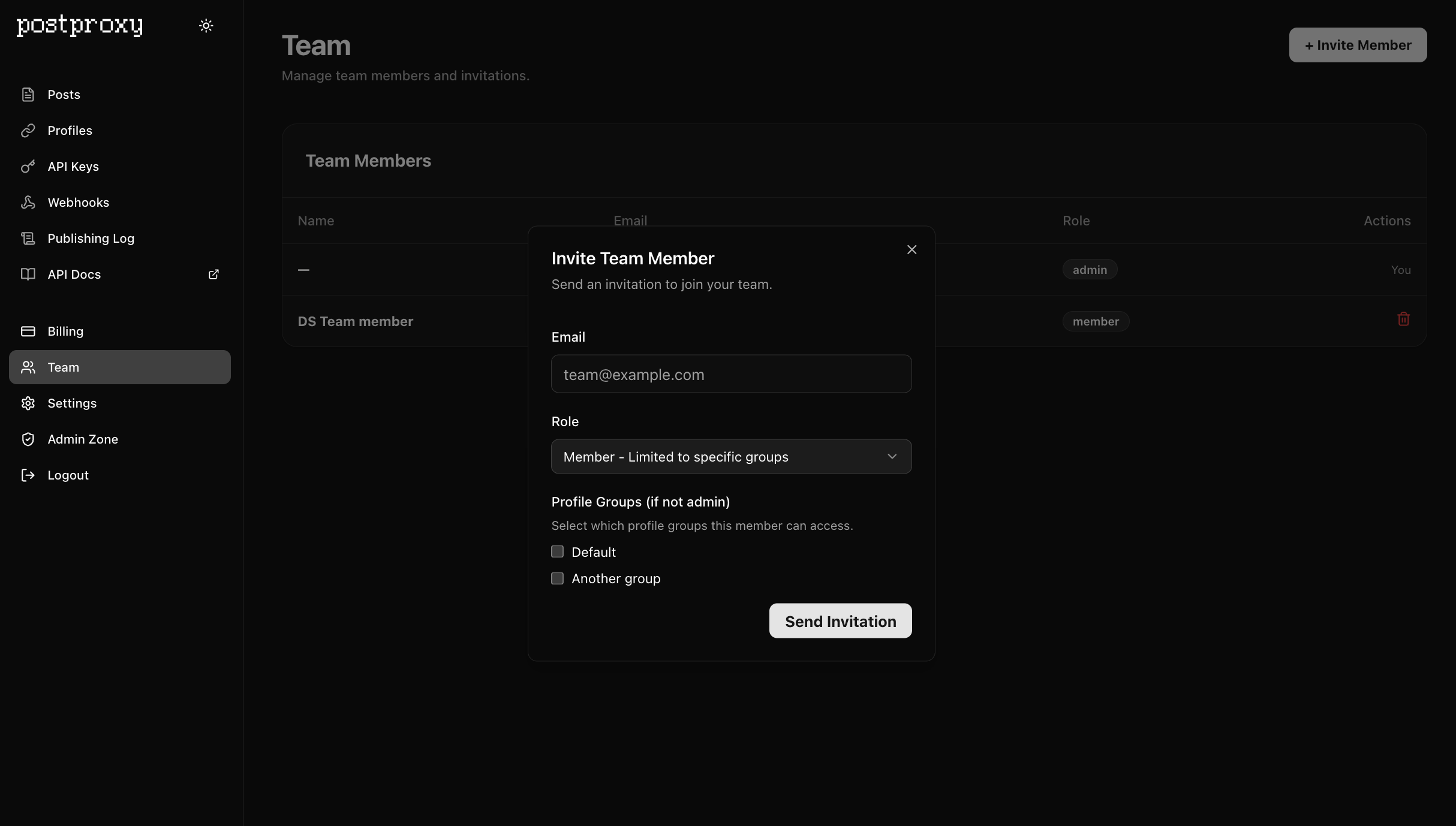
Access is organized around profile groups, which means you can separate brands, clients, or environments and give people access only where it makes sense.
If you’re already using profile groups through the API, this will feel natural. Teams simply add a human access layer on top of the same structure.
You can invite teammates and manage access directly in the app.
More about profile groups and how access works:
https://postproxy.dev/reference/profile-groups/
Postproxy is often embedded into larger systems. But sometimes humans still need to look at things. Teams make that part easier.
Cheers,
Dmitry