
Two-factor authentication (2FA)

DmitryFounder
Hi,
We’ve added two-factor authentication (2FA).
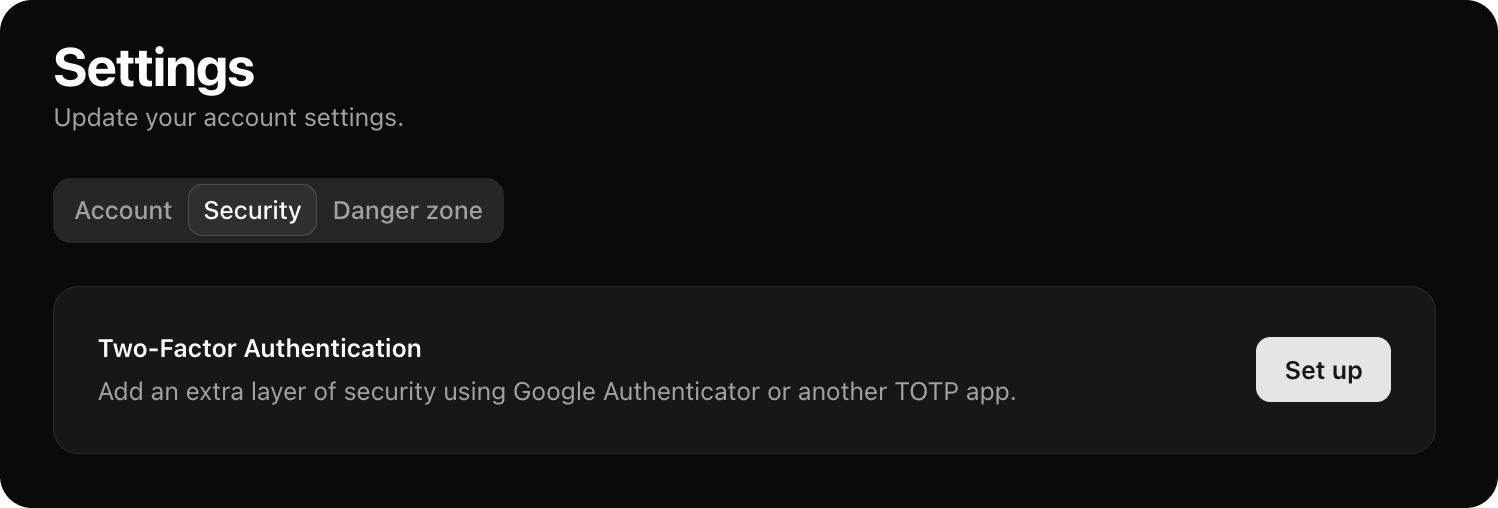
You can now enable it in Settings to add an extra layer of protection to your account. Once enabled, logging in requires both your password and a time-based code from an authenticator app.
We support standard TOTP apps like Google Authenticator and similar tools.
This is especially relevant if you:
-
manage multiple social accounts
-
have team members with access
-
use Postproxy as part of a production workflow
This reduces the risk of losing access to connected profiles and publishing pipelines.
You can enable 2FA on the settings page.
Cheers,
Dmitry